A professional video studio at your fingertips.
Create studio-quality video at your own desk and share it in minutes. Press record and talk. Press stop and it's finished. Press LINK and the link is on your clipboard.
One package: the camera, lighting and audio gear, the StudioControl software that runs it, and the sharing that sends it.
Already running in offices around Charlotte. Now shipping anywhere in the US.
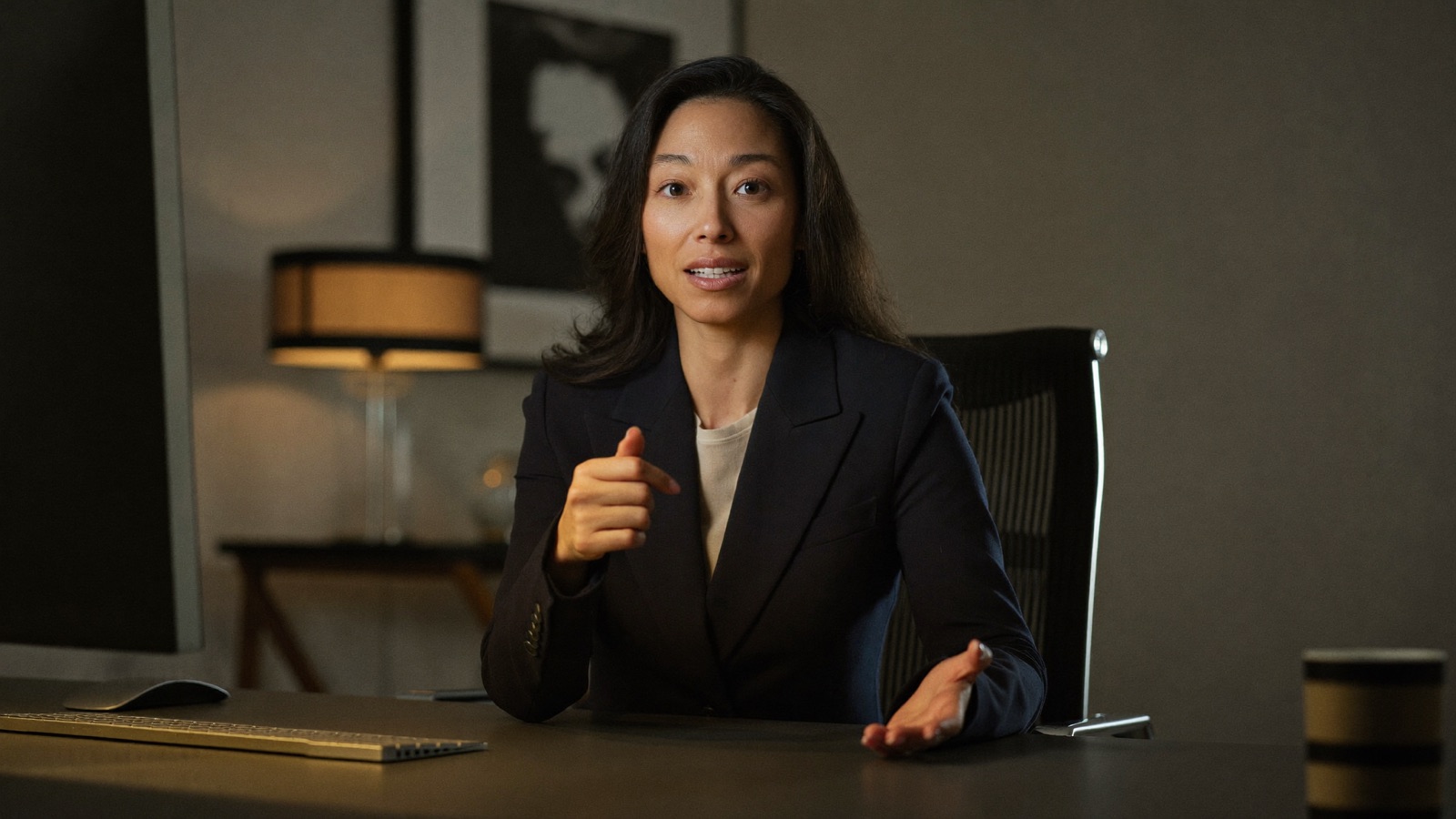
16:9 widescreen· YouTube, your site, email
9:16 vertical· LinkedIn, Reels
One take, recorded widescreen and vertical. Press LINK and it's ready to send.
Stop rationing video.
Everything runs on video now. But a single shoot day costs $5,000 to $15,000, and it can take days or weeks to get the video back.
So the weekly update, Instagram Reels, and LinkedIn clip never get made.
It's as easy as 1, 2, 3.
Sit down and press one button
A real camera, studio light and a broadcast microphone come up together, tuned by a production pro. The settings were dialed in once, at setup, so you don't touch them.
Press stop and it's done
The layouts switch live as you talk: your face, your slides, your screen, your iPad. The video is finished when you stop, in widescreen for YouTube and your site and vertical for LinkedIn and Reels.
Press LINK and paste it
A minute later the link is on your clipboard: your own video page with captions, and comments pinned to the exact moment people mean. Paste it into an email, Slack or a text.
Think it. Record it. Share it.
One flat fee
It covers the gear, the software and the setup. You never pay per video.
Ready when you are
The studio is set up and waiting at your desk, so a gap between meetings is enough to record.
Widescreen and vertical from one take
Both files are saved and named when you press stop, so the LinkedIn version is ready the moment the YouTube one is.
Sent the same day
LINK makes the share copy and uploads it for you, so a short video is ready to send within a minute of pressing stop.
Everything you get, in one package.
You get a complete studio, not a list of things to buy. Every piece below is in the box, picked to work together and tested on our own rig.
- Camera
Sony a6400 with a Sigma 18-50mm f/2.8 lens, on a floor stand with a fluid head. It runs off wall power, so there are no batteries to charge. An Elgato Cam Link 4K brings it into your Mac.
- Light
amaran Verge Max 60W key light that clamps to your desk. It's dimmable and color-adjustable, set to flatter you at 8am and 6pm alike.
- Audio
Shure SM7B microphone on a low-profile boom arm, with an Elgato Wave XLR interface.
- Control
Elgato Stream Deck, the one-button panel on your desk. A CalDigit TS5 dock connects everything to your Mac, plus a power strip and every stand, arm and cable.
- Software
StudioControl, licensed to your Mac. One button brings the camera, light and mic up together. It switches layouts live while you talk, records widescreen and vertical at the same time, names the files for you, and makes the studio your camera on Zoom and Teams.
- Sharing
StudioControl Cloud. The LINK key turns any recording into a link on your clipboard: your own video page with captions, timestamped comments, an email when someone comments, and a private library. 50 hours of stored video. How Cloud works
- Setup
We order and ship everything, and step-by-step videos take you from the box to a working studio. Plan on an afternoon.
- Support
Direct access to me by email and WhatsApp while you set up and after.
You bring: a Mac with Apple silicon (M1 or newer) and a desk.The first year of Cloud is included with full-price kits, then $39 a month. The studio keeps working whether or not you keep Cloud.
If you're building your brand with video
Brand awareness runs on consistent content.
Video is one of the best ways for a small company to get noticed, but hiring a production company for every clip isn't realistic. So it gets made once, or not at all.
Type a name, press record, talk. Files save themselves as "Launch video take 1, take 2, take 3." Sketch on your iPad and it appears on screen while you talk. You end up with a steady library of polished video, recorded whenever you have twenty minutes.

If you keep investors and customers in the loop
Your update deserves better than a wall of text.
The investor update, the product announcement, the note to your customers. Email gets skimmed. Webcam video gets skipped.
Record it at your desk in one take, with your slides right beside your face so people follow you, not just the bullets. Press LINK and send it before your next meeting. You'll get an email when someone comments.

If you sell with demos and calls
Record the demo once. Send it every day.
The product walkthrough you give on every call can be a two-minute video that does the job before the call. Record it once, press LINK, and drop the link into every follow-up. Re-record it in ten minutes when the product changes.
And when the call starts, the same studio is your camera. Press one button before Zoom or Teams and the people on the other end see what your videos look like: pro framing, studio sound, your name and brand on screen. Buyers and investors decide how real you are in the first minute.


The laptop's view of you, and StudioControl's. Drag to compare.
We handle the hard part. You follow along.
We pick the gear, ship it to you, and walk you through the setup on video. You follow along and end up with a working studio.
We order and ship everything
We choose the gear, order it, and send it to you, so every piece works together before it arrives.
You follow the tutorials
Step-by-step videos take you from the box to a finished studio: camera, lighting, microphone and control deck, mounted and wired.
You press one button
Record your first video, press LINK, and send it. From then on the studio is just there, ready, every day.
What this is, and what it isn't.
This is
- A complete studio for making and sharing video, shipped to you, with the gear, the software and the tutorials for one flat fee.
- One button for everything: recording, sharing, the meeting camera and every scene change.
- Ready every day. Sit down, press the button, and the camera, light and mic are already set the way a crew would set them.
- Tuned by a professional with twelve years of production behind the choices you never have to make.
This isn't
- A pile of parts to figure out. Every piece is chosen to work together, and the tutorials walk you through the rest.
- Editing software to learn. The video is finished when you stop, so there's nothing to cut.
- A production crew you have to book. The studio is there whenever you are.
- An IT project. It runs on the Mac you already have (Apple silicon, M1 or newer), so there's nothing for IT to own.
"I've run a professional video production studio for over twelve years, shooting everything from local firms to Fortune 500 campaigns. The thing I kept seeing: the moment the crew leaves, the cameras stop rolling. StudioControl is everything I know about making video look and sound right, packaged so you can make it yourself, every day, without a crew in the room."
Adam Sewell · Founder, StudioControl
Video never stops. Crews do.
StudioControl was built and tested in Charlotte, where we started with in-person installs. Now we ship it anywhere. Book a live demo and we'll make a video and send you the link while you watch, then work out what it would look like for your team.
Book a live demoA 30-minute video call. You'll see the studio running live and get a link to the video we make together.